The Best Gaming SSD in 2026: Gen4 vs Gen5 and How Much Capacity
Disclosure: this article contains affiliate links. If you buy through them, we earn a small commission at no extra cost to you. Learn more.
With SSDs, 2026’s expensive mistake is paying for the fastest (Gen5) believing it’ll load games faster — it doesn’t, not perceptibly. This guide explains what SSD actually suits gaming and why, then the specific model per tier.
Correction, August 6, 2026. The prices in the previous version of this article were out of date: we quoted $70 for 1TB and $150 for 2TB, figures that no longer match the market after the NAND shortage. We’ve aligned the references with our NVMe vs SATA comparison, which tracks Tom’s Hardware and GamersNexus pricing. Both articles now give the same figures.
What makes an SSD good for gaming (and what’s marketing)
- Gen4 is the sweet spot, not Gen5. In 2026 the load-time difference between a Gen4 (7,000 MB/s) and a Gen5 (14,000 MB/s) is under one second in games. Gen5 only makes sense for professional workloads or if you simply want the fastest.
- Capacity: 2TB is the new baseline. AAA games take 100-150 GB each, so 1TB fills up in weeks. 1TB only if you keep 3-4 titles active.
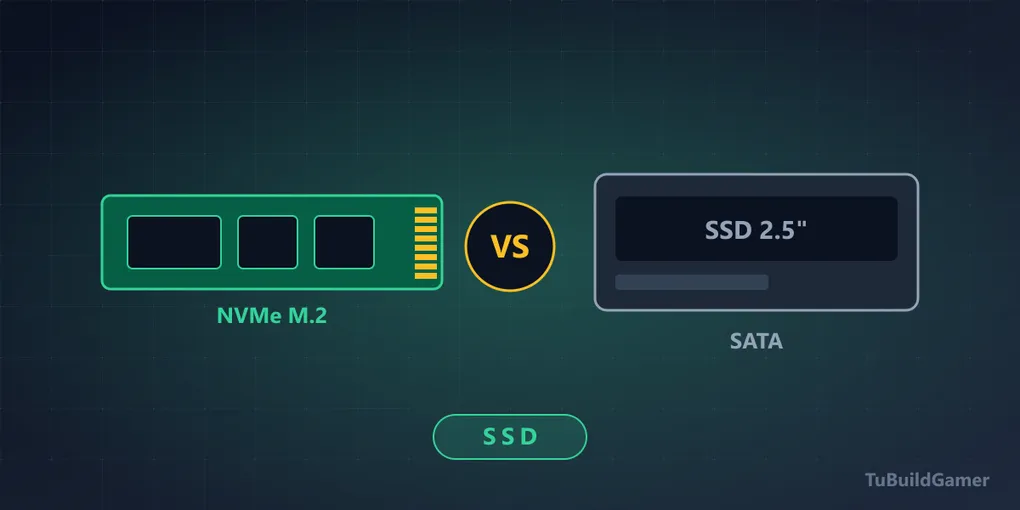
- NVMe, not SATA, if your board has a free M.2 slot.
- And what really separates a good SSD from a bad one doesn’t show in the MB/s. It’s the DRAM cache and the cell type (TLC vs QLC). Two drives with the same advertised speed can run three times slower than each other in real use, because the fast cache runs out between 50 and 150 GB and speed falls off a cliff. We cover it in detail in NVMe vs SATA, and it’s the reading that will save you the most if you’re buying cheap.
2026 prices, without dressing them up
The global NAND shortage has multiplied prices ~4× in nine months. These are today’s buying references:
| Capacity | Good price | When not to pay it |
|---|---|---|
| 1TB Gen4 | ~$140 or less | Above $170, wait |
| 2TB Gen4 | ~$250-300 | Listings up to $480 exist — don’t pay them |
| 4TB Gen4 | $500+ | Only if you genuinely need it |
And the advice that repeats across everything memory-related this year: if you see a price near 2024 levels, buy immediately. Analysts don’t expect relief until late 2027.
Entry level: 1TB NVMe Gen4
🏆 Our pick: Kingston NV3 1TB NVMe Gen4
For a first SSD or a tight budget, the Kingston NV3 delivers real Gen4 speed at the lowest price in its category.
Its honest limit, and it matters: it’s a DRAM-less drive. That means it performs well in sequential benchmarks and worse when you copy a lot at once or the disk fills up. For installing games and playing them it does the job; as the main drive of a machine you also work on, there are better options. If you can stretch the budget, the price per gigabyte on 2TB drives is better.
Mid-range: 2TB Gen4, the smart buy
🏆 Our pick: WD Black SN850X 2TB
The WD Black SN850X is 2026’s balance point: 2TB Gen4, DRAM cache, TLC cells, good endurance and GameMode firmware. It’s the recommendation for most people, and the difference against the Kingston isn’t in the MB/s on the box — it’s that it holds performance as the drive fills.
If you prefer maximum brand reliability, the Samsung 990 Pro 2TB is its top alternative with more robust NAND.
High end: Gen5 or top Gen4
🏆 Our honest pick: Samsung 990 Pro 2TB — or Gen5 only if you want it
For pure gaming, a top Gen4 like the 990 Pro is everything you need. If you still want the fastest on the market, the Crucial T710 2TB Gen5 reaches ~14,900 MB/s.
Be honest with yourself: you won’t notice it against a Gen4 in games. It’s a “I want the best” purchase, not a real-performance one. And it adds a requirement: Gen5 needs a mandatory heatsink — without one it heats up, throttles to protect itself, and ends up below a well-cooled Gen4. Most B650-and-up boards include one for the primary slot; if yours doesn’t, budget $10 more.
Summary table
| Tier | Pick | Capacity | Interface | Good price |
|---|---|---|---|---|
| Entry | Kingston NV3 | 1TB | Gen4 | ~$140 or less |
| Mid | WD Black SN850X | 2TB | Gen4 | ~$250-300 |
| Mid (alt.) | Samsung 990 Pro | 2TB | Gen4 | ~$250-300 |
| High | Crucial T710 | 2TB | Gen5 | $400+ |
How to choose yours in 3 steps
- Capacity first: how many AAA games do you keep active? 3-4 → 1TB is enough. More → 2TB, which also has a better price per gigabyte.
- Interface: for gaming, Gen4 always. Gen5 only if you work with huge files or want the fastest for its own sake.
- Check the spec sheet, not just the MB/s: look for “DRAM” and “TLC”. If neither appears, it’s usually a DRAM-less drive with QLC cells — acceptable as a library drive, a bad idea as your main one.
And before buying, confirm your motherboard has a free M.2 slot. On many boards, using the second slot disables a SATA port or cuts the lanes to the GPU: it’s in the manual and it catches people out.
Frequently asked questions
What’s the best gaming SSD in 2026? For most people, a 2TB Gen4 NVMe with DRAM cache and TLC cells, like the WD Black SN850X or the Samsung 990 Pro.
Gen4 or Gen5 for games? Gen4. The load-time difference is under a second, and Gen5 adds heat and a heatsink requirement.
1TB or 2TB? 2TB is the new baseline because AAA titles take 100-150 GB each, and the price per gigabyte is better. 1TB only if you’re selective.
Does a more expensive SSD give more FPS? No. FPS come from the GPU and CPU. The SSD speeds up loading, installs and texture streaming in open worlds — which is where you do notice it, as less pop-in.
Why do two SSDs with the same speed perform differently? The DRAM cache and cell type. It’s the most useful question in this category and we answer it fully in NVMe vs SATA.
Bottom line
The best gaming SSD isn’t the fastest: it’s a 2TB Gen4 NVMe with DRAM cache and TLC cells from a reliable brand. All the useful speed, the capacity you now need, without paying the price or the heat of Gen5.
Building the PC? Balance it with the component guide and best gaming PC 2026.
Sources: Newegg – Best NVMe SSDs for Gaming 2026, Tom’s Hardware – SSD price tracking 2026, GamersNexus – SSDs, WTF. Prices reviewed August 6, 2026 and aligned with our NVMe vs SATA comparison. Pending re-verification at retail.